
Tracks affiliate referrals for every SmartPay payment. When a visitor arrives through an affiliate link and completes a payment, SmartPay records the referral in AffiliateWP and marks it as unpaid so it enters the commission payout queue automatically.
Requirements
AffiliateWP (premium) must be installed and active. A license is required — get one at affiliatewp.com/pricing.
Setup
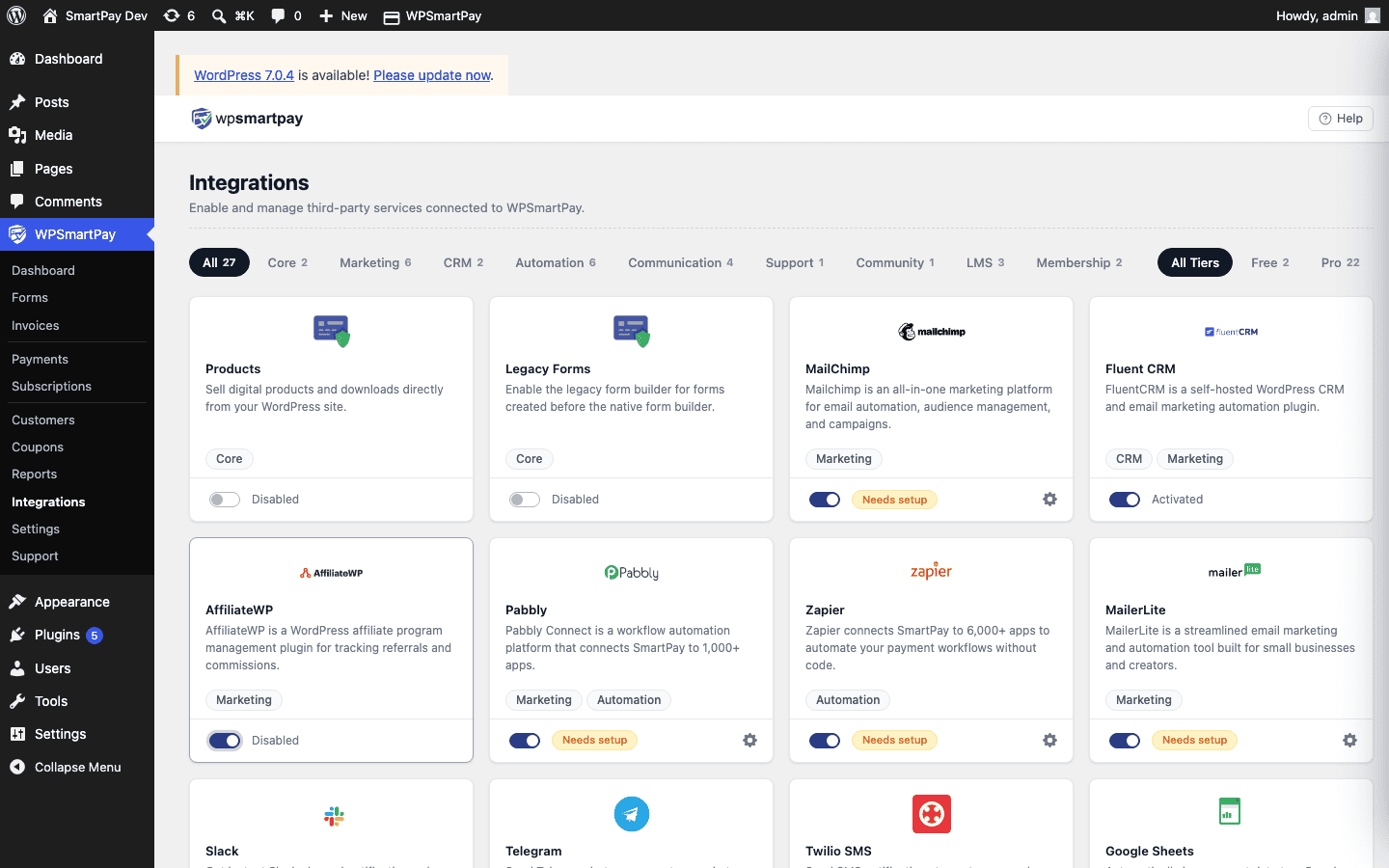
Go to SmartPay → Extensions and toggle AffiliateWP on.
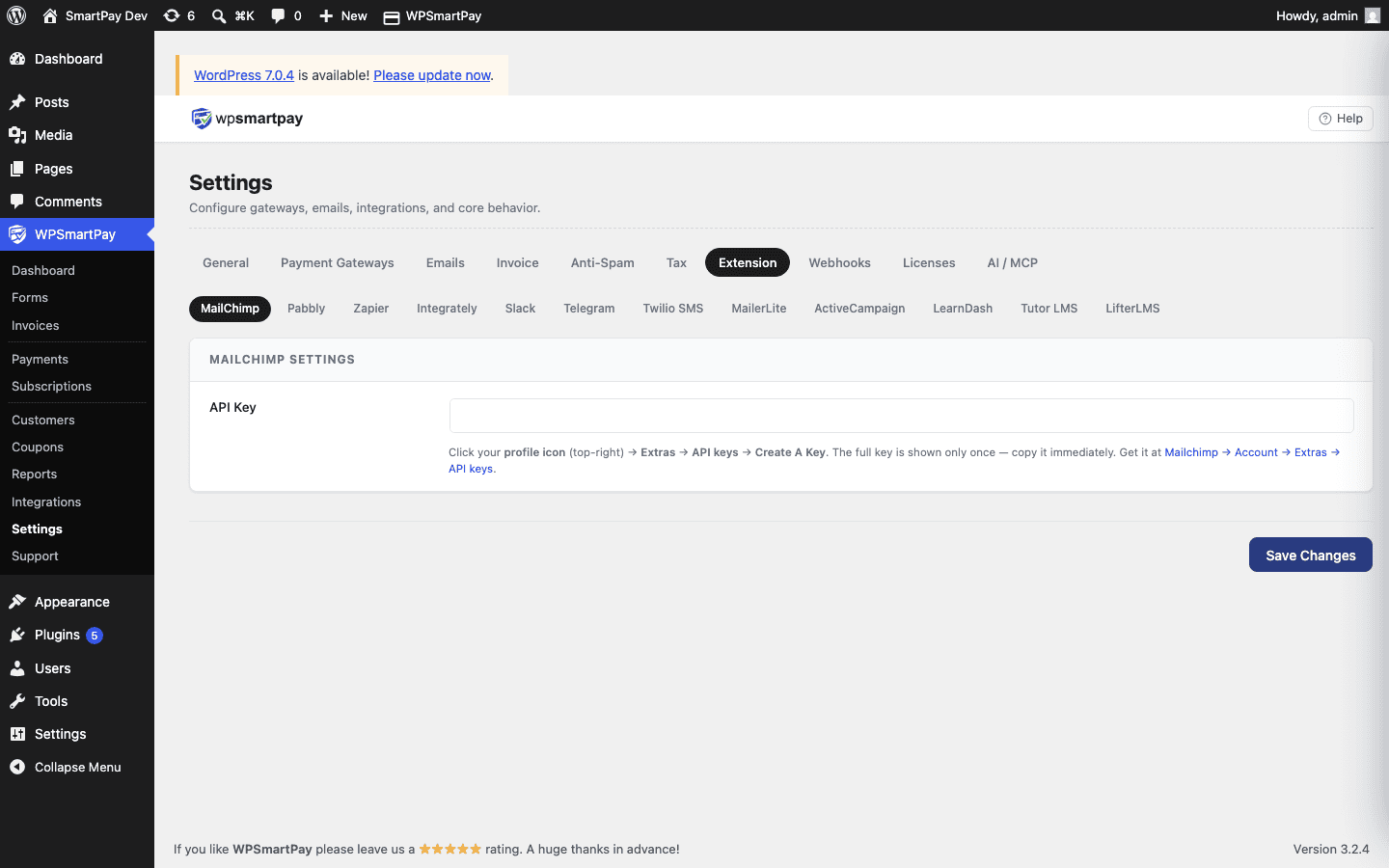
Click the gear icon to open Settings → Extensions → AffiliateWP.
Tick Enable referrals on all forms and products to track every payment sitewide — or leave it off to use the per-form toggle in the form editor sidebar.
Click Save Changes.
Per-form tracking: When global tracking is off, open any form in the form editor, go to the AffiliateWP panel in the sidebar, and enable tracking for that form individually.