
Subscription Pricing & Billing Cycles (Pro)
WP SmartPay Pro lets you turn any payment form into a recurring subscription form. Once enabled, customers are charged automatically on a defined schedule — weekly, monthly, annually, or at any custom interval — until they cancel or the subscription expires.
Prerequisites
- WP SmartPay Pro must be active.
- A subscription-capable gateway must be configured: Stripe or Paddle Billing. PayPal Standard does not support automated recurring billing.
Enabling Subscription Mode on a Form
- Open the form: SmartPay → Forms → Edit.
- In the right sidebar, expand the Pricing panel.
- Click the Subscription tab (appears in Pro alongside the standard Amount tab).
- Toggle Enable Subscription to on.
Billing Interval
Set how often the customer is charged:
- Daily — Charged every day. Rare; good for high-frequency services.
- Weekly — Charged every 7 days.
- Monthly — Charged on the same date each month (e.g., every 15th).
- Quarterly — Every 3 months.
- Yearly — Charged once per year.
- Custom — Set any interval in days (e.g., every 14 days for a bi-weekly plan).
Free Trial Period
Offer a trial before billing starts. Enter the number of trial days in the Trial Period field. During the trial, the customer's card is not charged. The first charge occurs at the end of the trial.
A trial of 0 days means billing starts immediately on signup.
Max Billing Cycles
Set a Maximum Billing Cycles count to automatically stop the subscription after N payments. For example, a 12-month annual plan with monthly billing and max 12 cycles bills for one year and then cancels automatically without requiring any manual intervention.
Leave this blank for indefinite subscriptions that continue until the customer cancels.
How Subscription Checkout Differs
When a customer completes a subscription checkout:
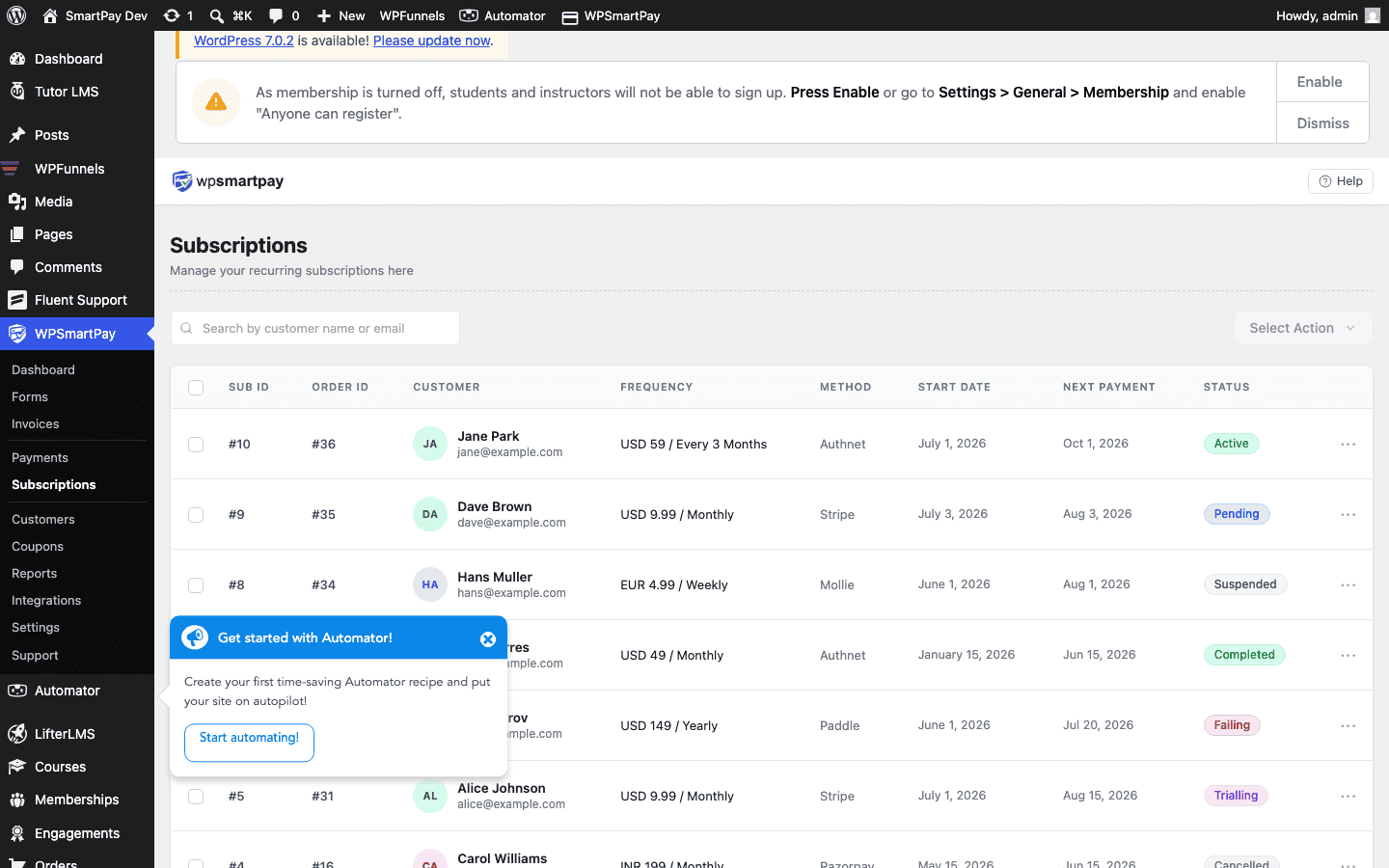
- SmartPay creates a subscription record in SmartPay → Subscriptions.
- The first payment is processed immediately (or after the trial period ends).
- Each subsequent payment creates a new Payment record linked to the same subscription.
- Gateway webhooks notify SmartPay of each renewal — no manual action needed.
Note: The subscription form checkout does not show a separate "Subscribe" label — it uses the same checkout fields as a one-time form. You may want to add a heading block to the form canvas that explains the billing schedule to the customer.