
LifterLMS integration for WPSmartPay lets you sell courses and memberships directly without relying on a heavy e-commerce plugin. By connecting your payment forms straight to your LMS, you completely automate student enrollment.
The moment a transaction succeeds, students unlock immediate access to their LifterLMS courses or memberships, delivering a fast and frictionless checkout experience.
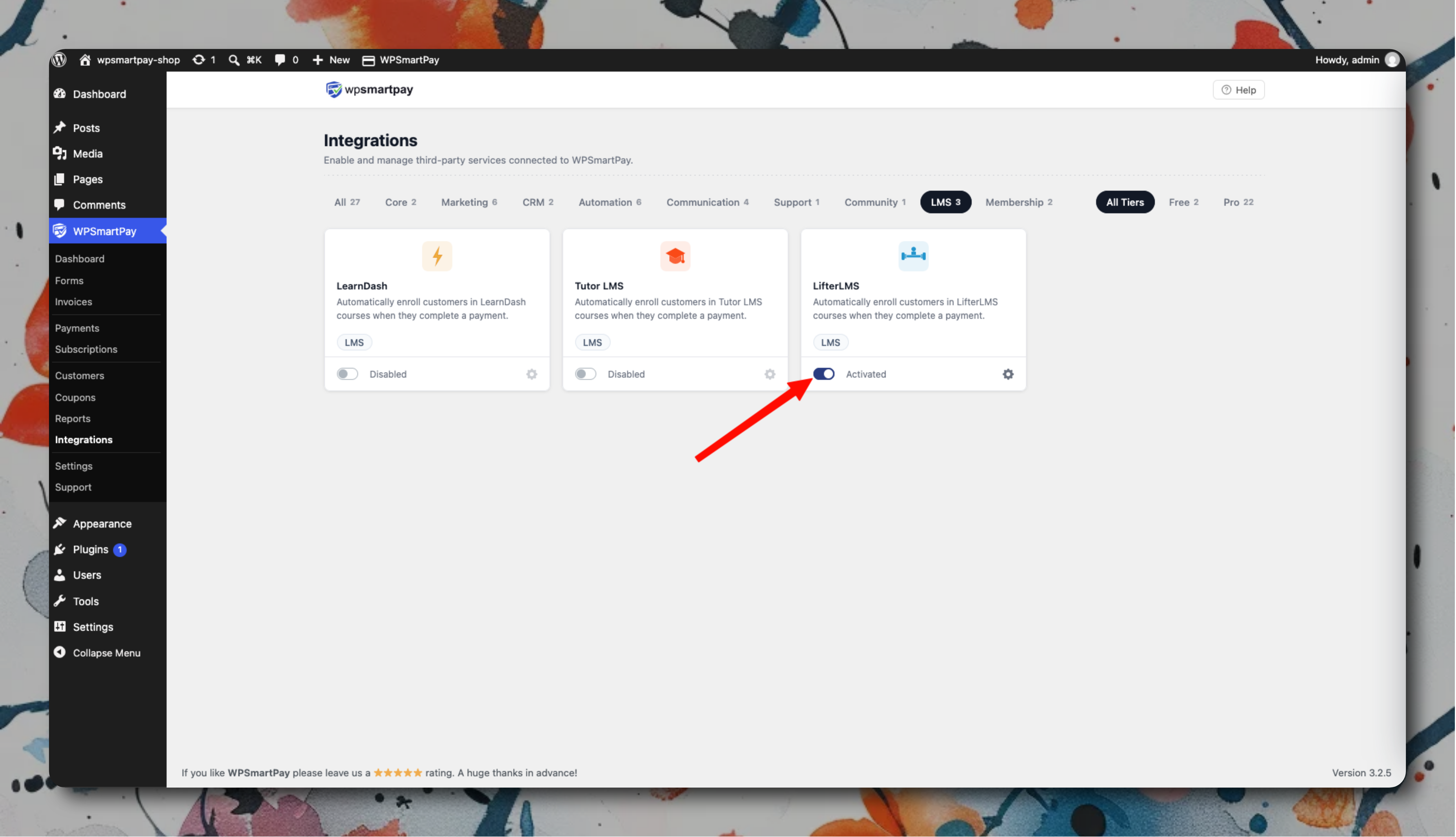
Setup
Go to SmartPay → Extensions → LifterLMS → Settings and activate.
In LifterLMS, create a Membership that includes your courses.
In each SmartPay payment form, under the Integrations tab, select the LifterLMS Membership to grant.
Save.
How Access Is Managed
Event | LifterLMS Action |
|---|---|
One-time payment completed | Order status changes to completed |
Subscription created | Order status becomes active |
Subscription renewed | Order status remains active |
Subscription cancelled | Order status changes to Pending cancellation |
Subscription payment failed | Order status changes to Failed |
Refund issued | Order status changes to refunded |
For one-time product purchases (not memberships), you can link directly to a LifterLMS Course instead of a Membership.