
Instead of creating discount codes one at a time, WP SmartPay Pro can generate dozens or hundreds of unique coupon codes in seconds. Use this for email campaigns, affiliate programs, event giveaways, or any promotion requiring large numbers of one-time-use codes.
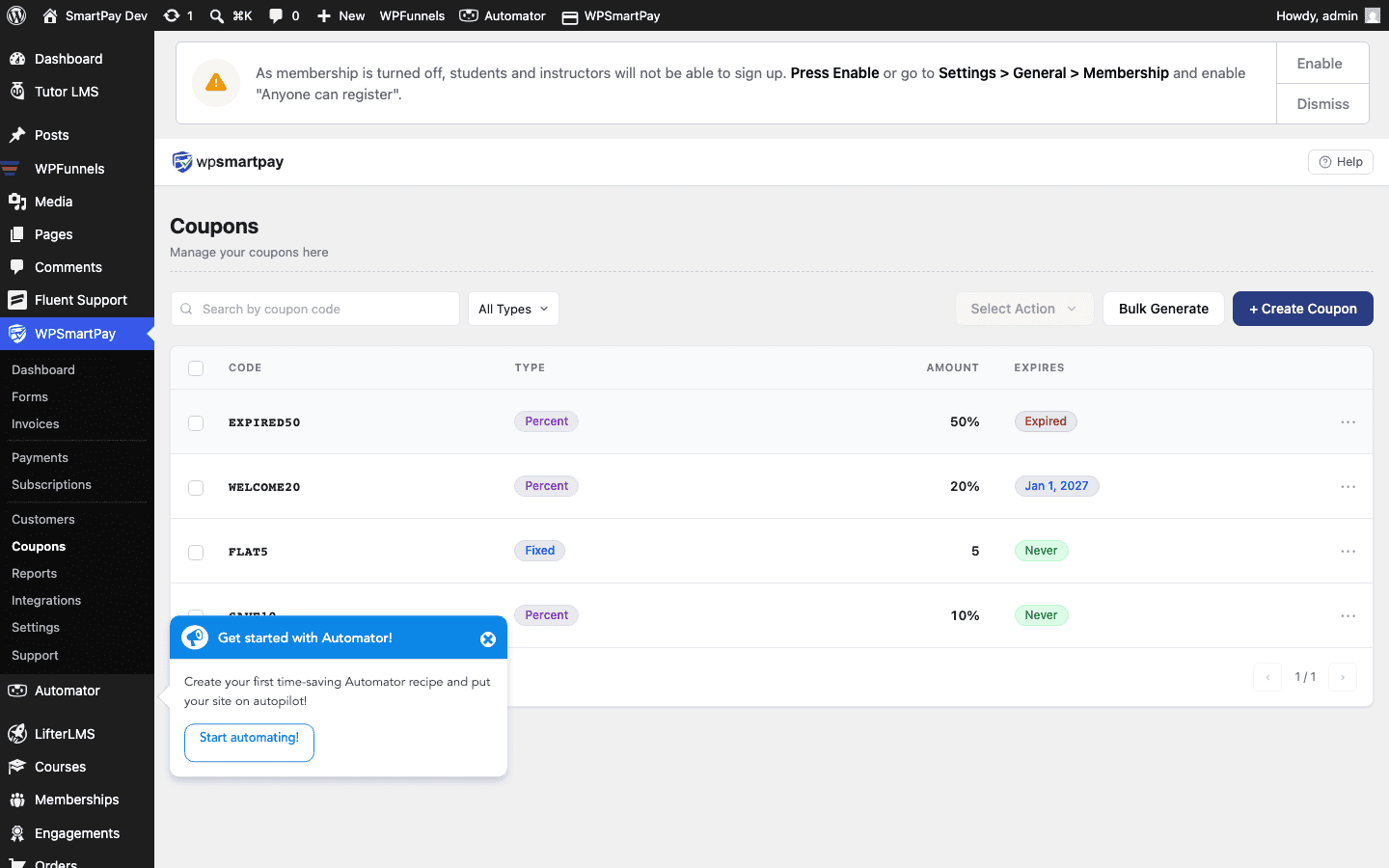
Opening the Bulk Generator
- Go to SmartPay → Coupons.
- Click Generate Bulk Coupons (button at the top of the list).
Generator Fields
- Quantity — How many codes to generate (e.g., 100, 500).
- Prefix — Optional text prepended to every generated code (e.g.,
LAUNCH-produces codes likeLAUNCH-A4K9). - Suffix — Optional text appended to every code.
- Code Length — The length of the random part between the prefix and suffix. Default is 8 characters.
- Discount Type — Flat or Percentage (applies to all generated codes).
- Discount Amount — The discount value for all generated codes.
- Expiry Date — Optional expiry that applies to all generated codes.
- Maximum Uses — Max uses per code (usually 1 for one-time-use campaigns).
Generating & Exporting
- Fill in the fields and click Generate.
- SmartPay creates all the codes and adds them to the Coupons list immediately.
- Click Export CSV to download a spreadsheet of all generated codes — ready to paste into an email campaign or share with affiliates.
Use Cases
- Email campaign — Generate 500 unique 20%-off codes, paste into your email marketing tool as personalisation tags, and send one to each subscriber.
- Affiliate program — Each affiliate gets a code with a prefix matching their name (e.g.,
ALICE-…). Monitor usage counts to see which affiliate drove the most conversions. - Event giveaway — Print unique codes on event badges or in goodie bags. Each attendee gets a single-use code.
Tip: Set Maximum Uses to 1 when you want each code to be truly one-time-use. If you want the same code to work for multiple customers but still limit total use, increase the maximum accordingly.