
You can cancel a WP SmartPay subscription from the admin dashboard, and customers using Stripe can cancel their own subscriptions through the Stripe Billing Portal. This article covers both paths, plus how to reactivate a cancelled subscription.
Admin Cancellation
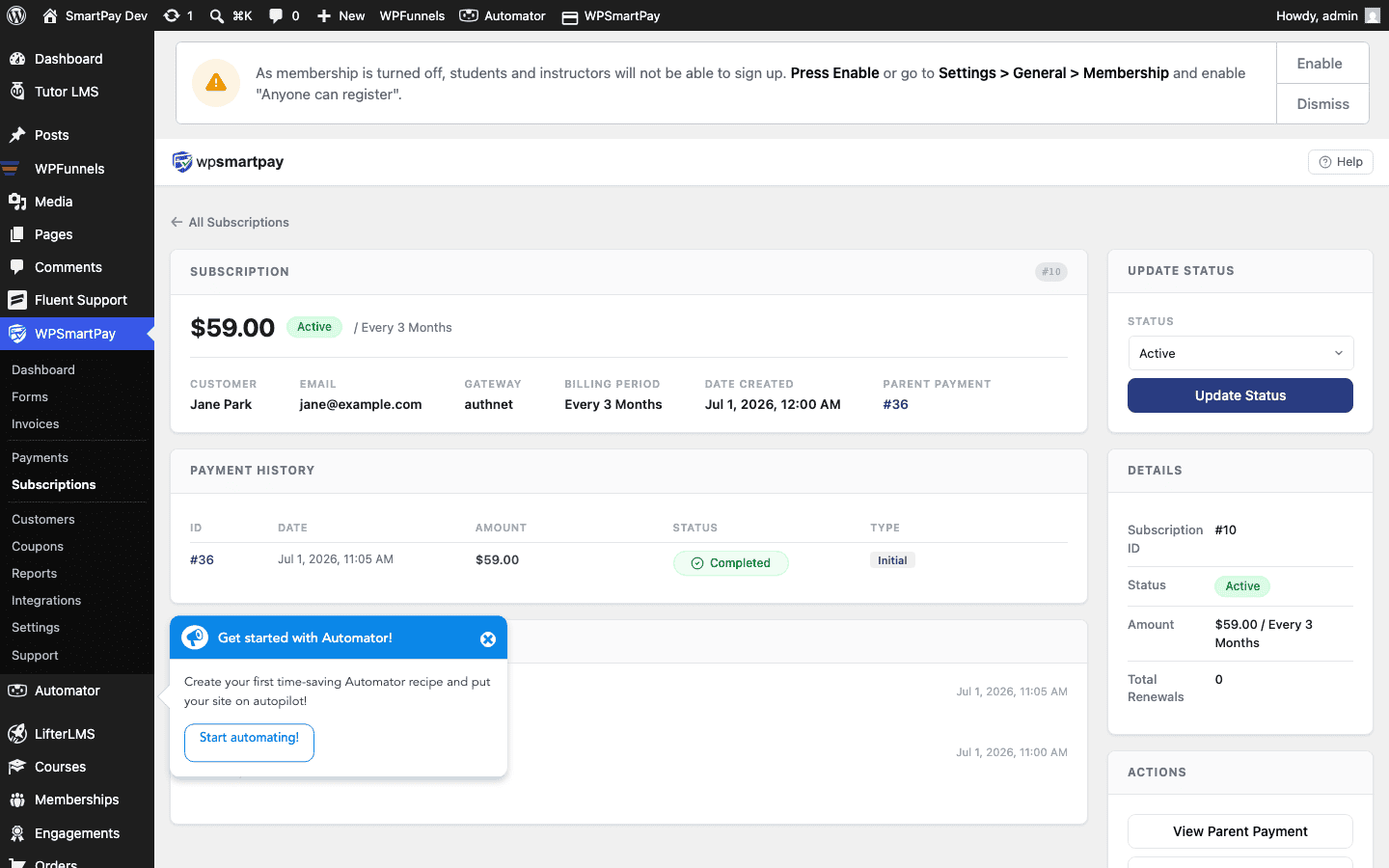
- Go to SmartPay → Subscriptions.
- Click the subscription you want to cancel to open its detail page.
- Click the Cancel button.
- Confirm the cancellation in the dialog.
SmartPay immediately sends a cancel request to the gateway API. The subscription moves to Cancelled status and the Next Renewal date is cleared.
Immediate vs End-of-Period Cancellation
SmartPay cancels subscriptions immediately by default — no further renewals occur after you click Cancel. If you want the subscription to remain active until the end of the current billing period and then stop (giving the customer the rest of the paid period), you need to handle this in your gateway dashboard directly (Stripe supports "cancel at period end").
Customer Self-Cancellation (Stripe)
Stripe customers can manage their own subscription through the Stripe Customer Portal. When a customer cancels there:
- Stripe sends a
customer.subscription.deletedwebhook to your site. - SmartPay receives the webhook and updates the subscription status to Cancelled.
To give customers access to the Stripe Portal, share the portal link from your Stripe dashboard, or embed it as a link on your customer account/dashboard page.
Reactivating a Cancelled Subscription
SmartPay does not currently support reactivating a cancelled subscription from the admin panel. To restart billing for a customer:
- Ask the customer to subscribe again through the payment form.
- A new subscription record is created and the billing restarts from the new signup date.
If the customer needs the same subscription terms (same plan, same price), point them back to the original form — no special steps are needed.
Note: Cancelling a subscription in SmartPay cancels it in the gateway as well. You cannot cancel the subscription in SmartPay but keep it active in Stripe, or vice versa.