





“AI form builder” meant nothing in 2024, meant “autocomplete for form fields” in 2025, and in 2026 it’s splitting into two very different products:
- AI-assisted builders — you describe a form in the plugin’s dashboard, AI drafts the fields, you tweak and publish. Useful, and now table stakes.
- Agentic builders — your AI assistant (Claude, ChatGPT, Cursor) creates and manages forms from outside WordPress, as one tool among many it operates for you.
That split is the lens for this list. Disclosure: WP Smart Pay is our plugin and sits at #1 as the only agentic entry — the rest are the best of the AI-assisted class, honestly assessed.
The Comparison at a Glance
| Plugin | AI capability | AI free? | Payments | Agent control |
|---|---|---|---|---|
| WP Smart Pay | Agentic — build and operate via MCP/CLI | Pro | Native (Stripe, PayPal, Mollie, Paystack +) | Yes — MCP server + CLI |
| WPForms | AI field & choice generation in-dashboard | Yes, limited | Add-on, platform fee below Pro | No |
| SureForms | AI form generation from a prompt | Yes | Add-on | No |
| Fluent Forms | AI form generation from a prompt | Yes | Paid tiers | No |
| Formidable Forms | AI generation for complex/calculated forms | Paid | Paid tiers | No |
| FormGent | AI generation for conversational forms | Yes | Paid tiers | No |
The last column is the one that separates 2026 from 2025. Everything else here is a text box inside WordPress that writes fields for you.
1. WP Smart Pay — Best Agentic Form Builder (and the Only One)
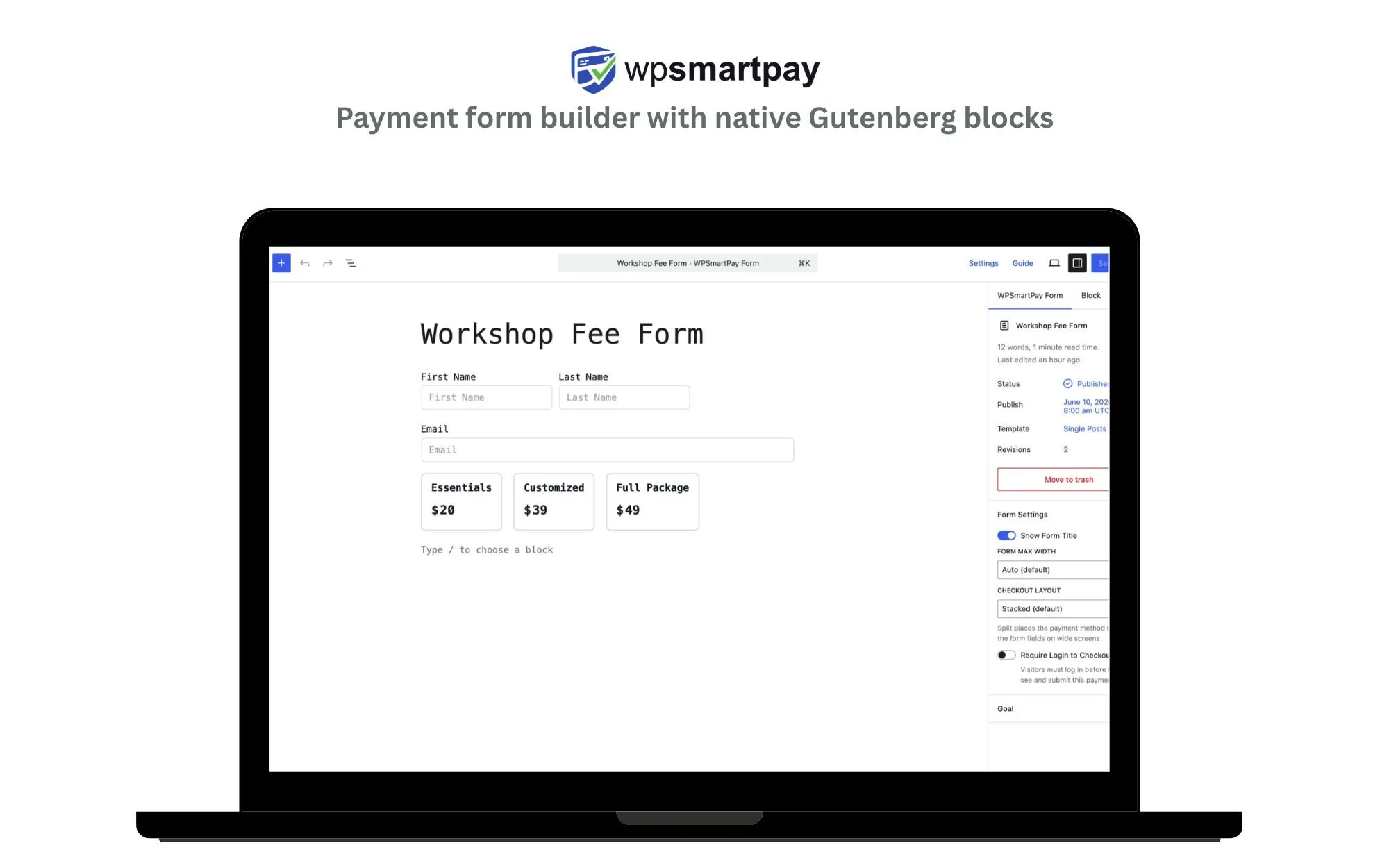
WP Smart Pay’s AI form builder works where your agent works. It ships an MCP (Model Context Protocol) server and a CLI, so Claude, ChatGPT, Cursor, or any MCP client can build a payment form from a prompt — and keep operating it afterward: updating amounts, launching donation campaigns, checking payments.
Key Features
- MCP server + CLI — your agent creates, edits, and queries forms without opening WordPress
- “Create a $29/month membership form with a 7-day trial” produces a live, editable Gutenberg form
- Every AI-built form is a normal drag-and-drop form you can refine visually
- Payment forms natively: one-time, subscriptions, donations via Stripe, PayPal, Mollie, Paystack and more
- Ongoing operations through the agent — change pricing, pause a campaign, pull revenue numbers
Pros
- The only plugin here where AI does anything after the form is published
- Payments are the core product, not a bolted-on field
- No platform fee on transactions
- Forms stay fully editable by hand — the AI isn’t a black box
Cons
- No chat-with-AI box inside the WordPress dashboard — the AI story is agent-first, so you need an MCP client like Claude or ChatGPT
- Payments-first: for surveys, quizzes, and RSVPs the general-purpose builders below are a better fit
- MCP server ships with Pro; the newest and smallest community on this list
Best For
People who already work alongside an AI assistant daily and whose forms are how they get paid.
Build a payment form from a prompt
WP Smart Pay ships an MCP server and CLI, so Claude, ChatGPT, or Cursor can create your form — and keep running it afterwards.
2. WPForms — Best AI-Assisted All-Rounder
The biggest form plugin on WordPress — over 5 million active installs and a 96% rating from more than 14,000 reviews — has leaned hard into AI: describe the form in plain language and its assistant generates fields you refine conversationally.

Key Features
- AI form generation and AI-generated choices for dropdowns, checkboxes, and radio fields
- Enormous template library covering nearly every common form type
- Conditional logic, multi-page forms, entry management, and hundreds of integrations
- Payments via Stripe, PayPal, Square, and Authorize.Net add-ons
Pros
- The most polished, best-supported form builder available
- AI generation available in the free version
- Endless documentation and community answers for any problem you hit
Cons
- A platform fee applies to payments on free and lower tiers
- The AI helps you build; it doesn’t operate anything afterward
- Payment tooling is thin compared to a dedicated payment plugin
Best For
Sites that build many kinds of forms and want AI drafting inside a mature, do-everything plugin.
3. SureForms — Best Modern UI
The newest serious entrant from a well-resourced team, built Gutenberg-native with a clean AI generation flow and a strong privacy stance. 500,000+ installs and a 98% rating, though from a comparatively small review base.

Key Features
- Describe a form in the dashboard and get editable fields and labels back
- Block-native editing — the form builder is the WordPress editor
- Submissions stay on your site by default
- Modern styling controls for colors, typography, spacing, and layout
Pros
- The best-looking builder here, with the least legacy UI baggage
- AI generation in the free version
- Genuinely fast and lightweight
Cons
- Payment support is younger and shallower than the veterans’
- Smaller integration catalog
- Reviews are still few enough that the 98% is thinly evidenced
Best For
Sites that want a fast, modern, block-native builder with AI drafting and care about data staying on-site.
4. Fluent Forms — Best Free AI Generation
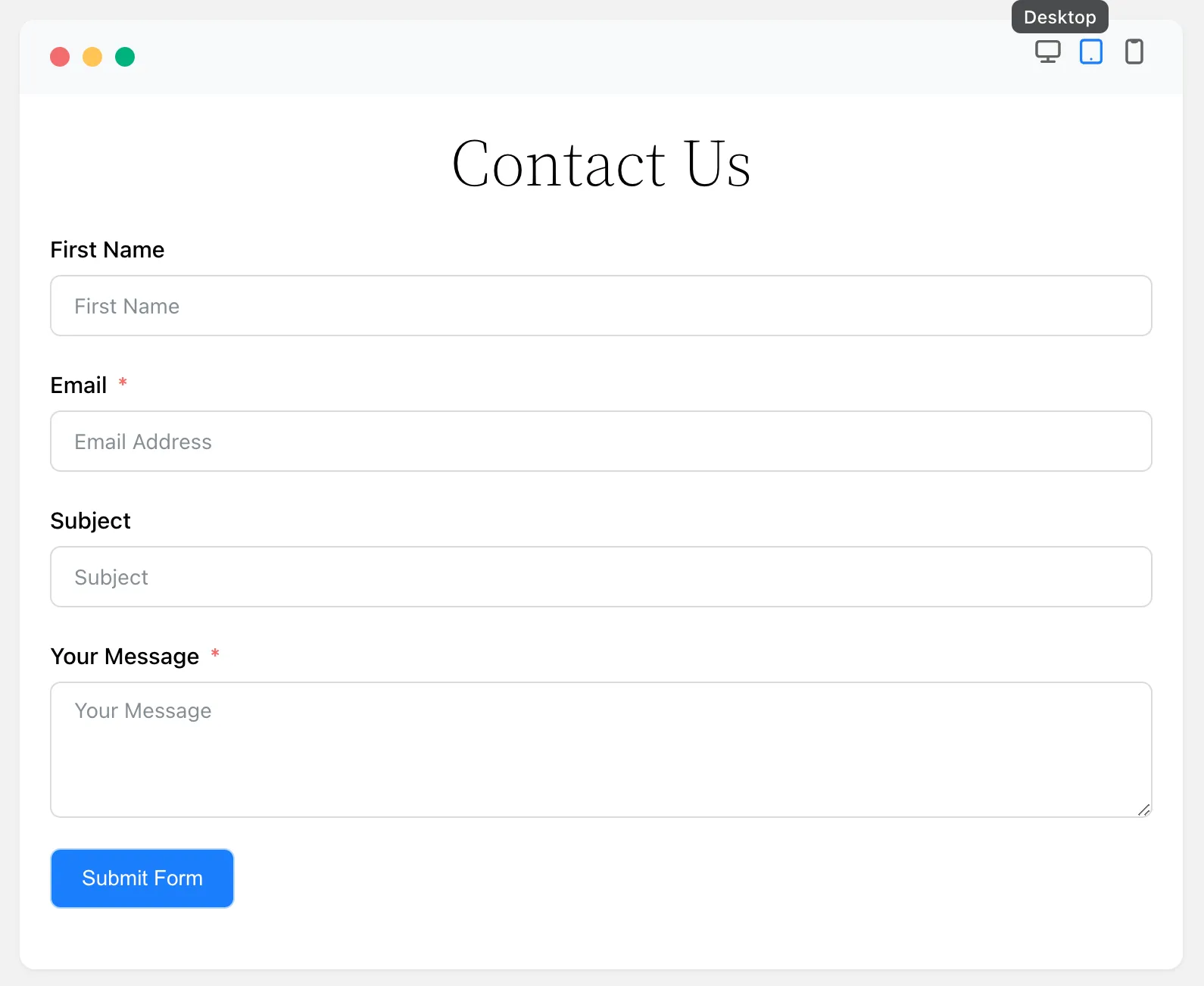
Fluent Forms put AI form generation in its free version — rare in this list — and pairs it with genuinely fast performance and the broader Fluent ecosystem (CRM, email marketing, helpdesk). 700,000+ installs at 96%.
Key Features
- AI form generation available without paying
- Notably lightweight — one of the fastest builders in benchmarks
- Deep integration with FluentCRM, Fluent Support, and FluentSMTP
- Stripe, PayPal, Mollie, Paystack, and Razorpay on paid tiers
Pros
- Best free tier of any AI-assisted builder here
- Performance genuinely matters on form-heavy sites, and this wins on it
- The Fluent ecosystem is a real advantage if you adopt more of it
Cons
- The AI stops at generation, like everything else in this class
- The ecosystem is also a lock-in: its best features assume other Fluent products
- UI is dense — more settings visible at once than beginners want
Best For
Budget-conscious sites that want AI drafting without paying for it, especially ones already using FluentCRM.
5. Formidable Forms — Best for Complex AI-Drafted Forms
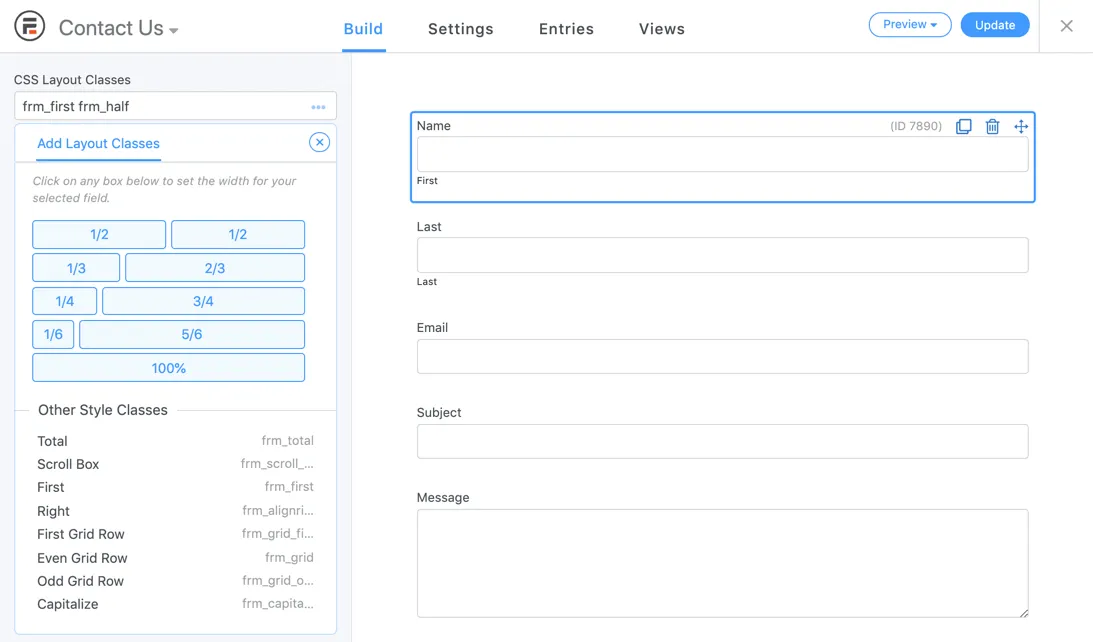
Formidable targets heavy forms — applications, calculators, directories — and its AI builder can draft those more ambitious structures, not just contact forms. 300,000+ installs at 96% from nearly 1,400 reviews.
Key Features
- Calculated fields and pricing logic — quotes, estimators, tiered fees
- Views for displaying submitted data back on the front end
- Relational data and repeatable fields
- Stripe, PayPal, and Authorize.Net on paid tiers
Pros
- Handles form structures the other builders simply can’t express
- AI drafting saves real hours on genuinely complex forms
- No platform fee on payments
Cons
- AI features require a paid tier
- The steepest learning curve here
- Priced like a power tool, because it is one
Best For
Applications, calculators, and directories — where the form computes something before it submits.
6. FormGent — Best Conversational Forms
A newer plugin focused on conversational, multi-step, quiz-style forms with AI generation built in. Worth knowing it’s early: roughly 1,000 active installs and 7 reviews on wordpress.org as of August 2026.

Key Features
- Typeform-style conversational forms, one question at a time
- AI generation of question flows
- Multi-step forms, quizzes, and calculators
- Payment fields on paid tiers
Pros
- Conversational forms measurably lift completion rates on long forms
- AI generation included
- Actively developed with a fast release cadence
Cons
- Far less proven than anything else here — a small user base means fewer edge cases found
- Smaller integration catalog
- Betting on a young plugin for revenue-critical forms carries real risk
Best For
Sites that specifically want Typeform-style conversational forms and can tolerate a young plugin.
The Question That Sorts the List
Ask what happens after the form exists.
With every AI-assisted builder here, the answer is: nothing — the AI’s job ended at generation, and you’re back to clicking through settings for every change. With an agentic builder, the form is one thing your assistant manages among many: it can create the form, then next month raise the price, pause the campaign, add a field, and tell you how much came in — from the same chat where you plan everything else.
Frequently Asked Questions
Which AI form builders are free? WPForms, SureForms, Fluent Forms, and FormGent all include AI generation in their free versions. Formidable’s AI features require a paid tier, and WP Smart Pay’s MCP server ships with Pro.
Can AI build a payment form, not just a contact form? Only if payments are native to the plugin. WP Smart Pay generates payment forms directly. With the others, AI drafts the form fields and you wire up the payment add-on yourself afterwards.
What is MCP, and why does it matter here? Model Context Protocol is an open standard that lets AI assistants operate external tools. A plugin with an MCP server can be driven by Claude or ChatGPT directly — which is what makes “change the price on my membership form” a sentence rather than a settings screen.
Is an AI-generated form editable by hand? In all six, yes. AI generation produces a normal form in the plugin’s own builder; nothing here locks the output.
The Bottom Line
If forms are surveys and RSVPs, an AI-assisted builder from this list will serve you well — WPForms if you want the safest choice, Fluent Forms if you want it free, SureForms if you want it modern. If forms are how you get paid — and you’re already working alongside Claude or ChatGPT daily — the agentic route is why WP Smart Pay exists. The free version is on wordpress.org; the MCP server ships with Pro.
Plugin ratings and install counts cited above are from wordpress.org, August 2026.
Let your AI assistant run your payment forms
Create the form, change the price, launch a campaign, check what came in — from the same chat where you plan everything else.